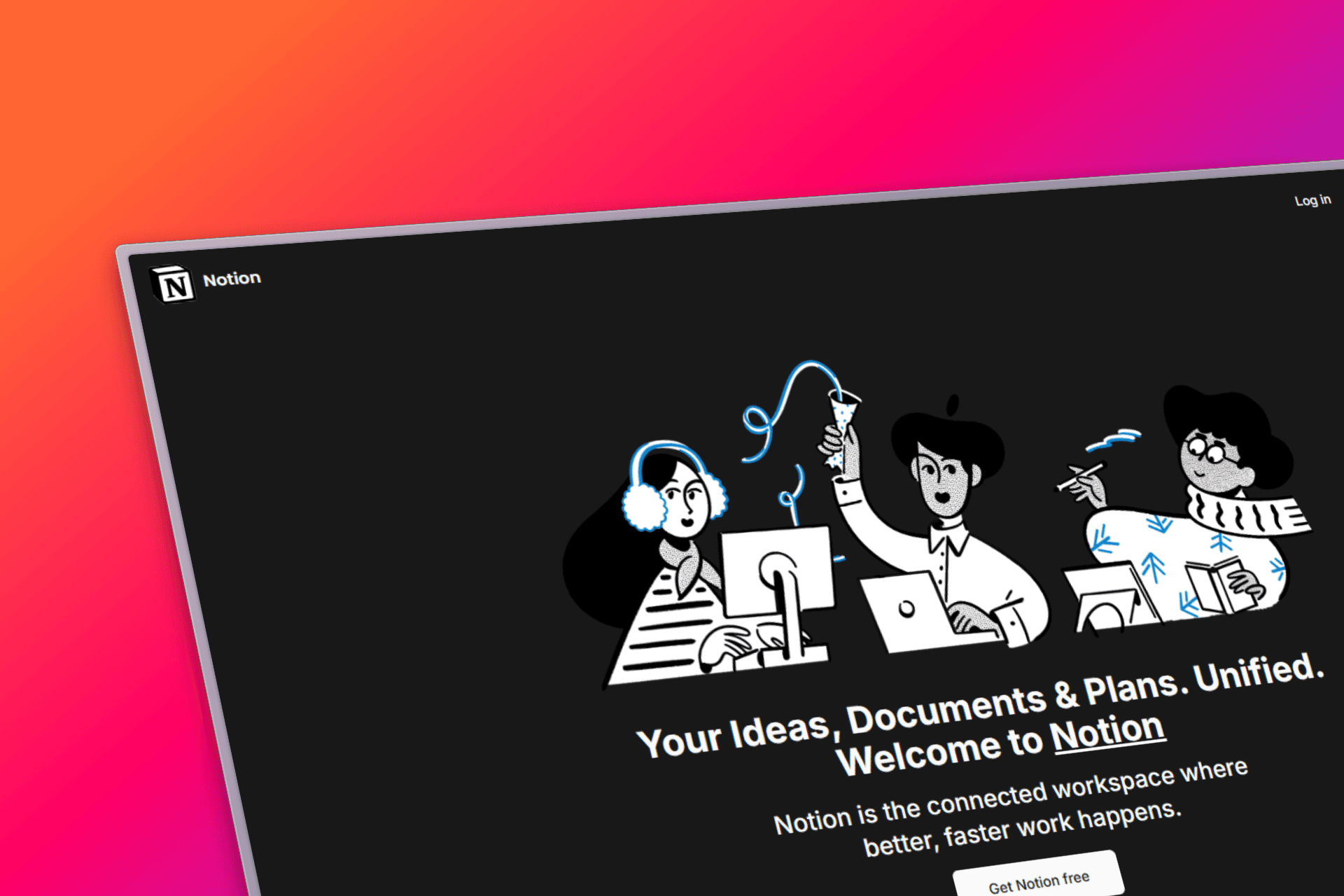
Notion
Meticulously designed Notion clone bringing together powerful features for note-taking, project management, and collaboration.
Timeline
3 weeks
Role
Full Stack Developer
Team
Solo
Status
CompletedTechnology Stack
Key Challenges
- Real-time collaboration
- Rich text editor implementation
- Database synchronization
- Block-based content structure
- Offline functionality
Key Learnings
- Convex real-time database
- Block-based editors
- Collaborative editing
- Real-time synchronization
- Rich text processing
Notion: Redefine Your Workspace
Overview
Notion is a meticulously designed Notion clone that brings together powerful features for note-taking, project management, and collaboration. Whether you're a student, professional, or creative, our platform helps you streamline your tasks, capture ideas, and achieve your goals with unparalleled productivity.
Key Features
- Block-based Editor: Flexible content creation with draggable blocks
- Real-time Collaboration: Multiple users can edit simultaneously
- Rich Text Support: Advanced formatting and media embedding
- Database Functionality: Create tables, boards, and lists
- Template System: Pre-built templates for various use cases
- Search Functionality: Powerful search across all content
- Responsive Design: Works perfectly on desktop and mobile
- Offline Support: Continue working without internet connection
Technical Architecture
Frontend Technologies
- Next.js 14: Modern React framework with App Router
- TypeScript: Type-safe development environment
- Tailwind CSS: Utility-first CSS for rapid styling
- React Hooks: Modern state management patterns
Real-time Backend
- Convex: Real-time database with automatic reactivity
- Real-time Sync: Instant updates across all connected clients
- Optimistic Updates: UI updates before server confirmation
- Conflict Resolution: Intelligent handling of simultaneous edits
Advanced Features
- Block System: Modular content architecture
- Drag & Drop: Intuitive block reordering and organization
- Rich Text Editor: Custom editor with formatting options
- File Upload: Support for images, documents, and media
- Search Engine: Full-text search with filtering capabilities
Development Challenges
Real-time Collaboration
Implementing real-time collaboration required careful handling of concurrent edits, conflict resolution, and maintaining data consistency across multiple clients.
Block-based Architecture
Designing a flexible block system that could handle various content types (text, images, lists, tables) while maintaining performance and user experience.
Database Design
Creating a database schema that could efficiently handle hierarchical content, user permissions, and real-time updates without compromising performance.
Rich Text Processing
Building a rich text editor that supported various formatting options while maintaining consistency and performance across different browsers and devices.
User Experience Features
For Individuals
- Personal Organization: Daily notes, task management, and goal tracking
- Knowledge Base: Build your own wiki with interconnected notes
- Project Planning: Visual boards and timelines for project management
- Learning Hub: Organize study materials and course notes
For Teams
- Collaborative Workspaces: Shared spaces for team projects
- Real-time Editing: See changes as they happen
- Permission Management: Control access to different areas
- Comment System: Discuss and provide feedback on content
For Students
- Note-taking: Organized lecture notes and study materials
- Assignment Tracking: Keep track of deadlines and progress
- Research Organization: Manage sources and citations
- Study Groups: Collaborative spaces for group projects
Technical Learnings
Building this Notion clone taught me invaluable lessons about:
- Real-time database architecture and synchronization
- Collaborative editing algorithms and conflict resolution
- Rich text editor implementation and content processing
- Block-based content management systems
- Performance optimization for large documents
Performance Optimizations
Rendering Performance
- Virtual Scrolling: Efficient handling of large documents
- Lazy Loading: Load content as needed
- Memoization: Optimize re-renders with React.memo
- Debounced Updates: Reduce unnecessary API calls
Database Optimization
- Indexing: Strategic database indexes for fast queries
- Pagination: Efficient loading of large datasets
- Caching: Client-side caching for better performance
- Batch Operations: Group operations to reduce network calls
Future Enhancements
- AI Integration: Smart suggestions and content generation
- Advanced Templates: Industry-specific template collections
- Mobile App: Native mobile applications
- Plugin System: Extensible architecture for custom tools
- Advanced Analytics: Usage insights and productivity metrics
- Integration APIs: Connect with external tools and services