Case study
Tools
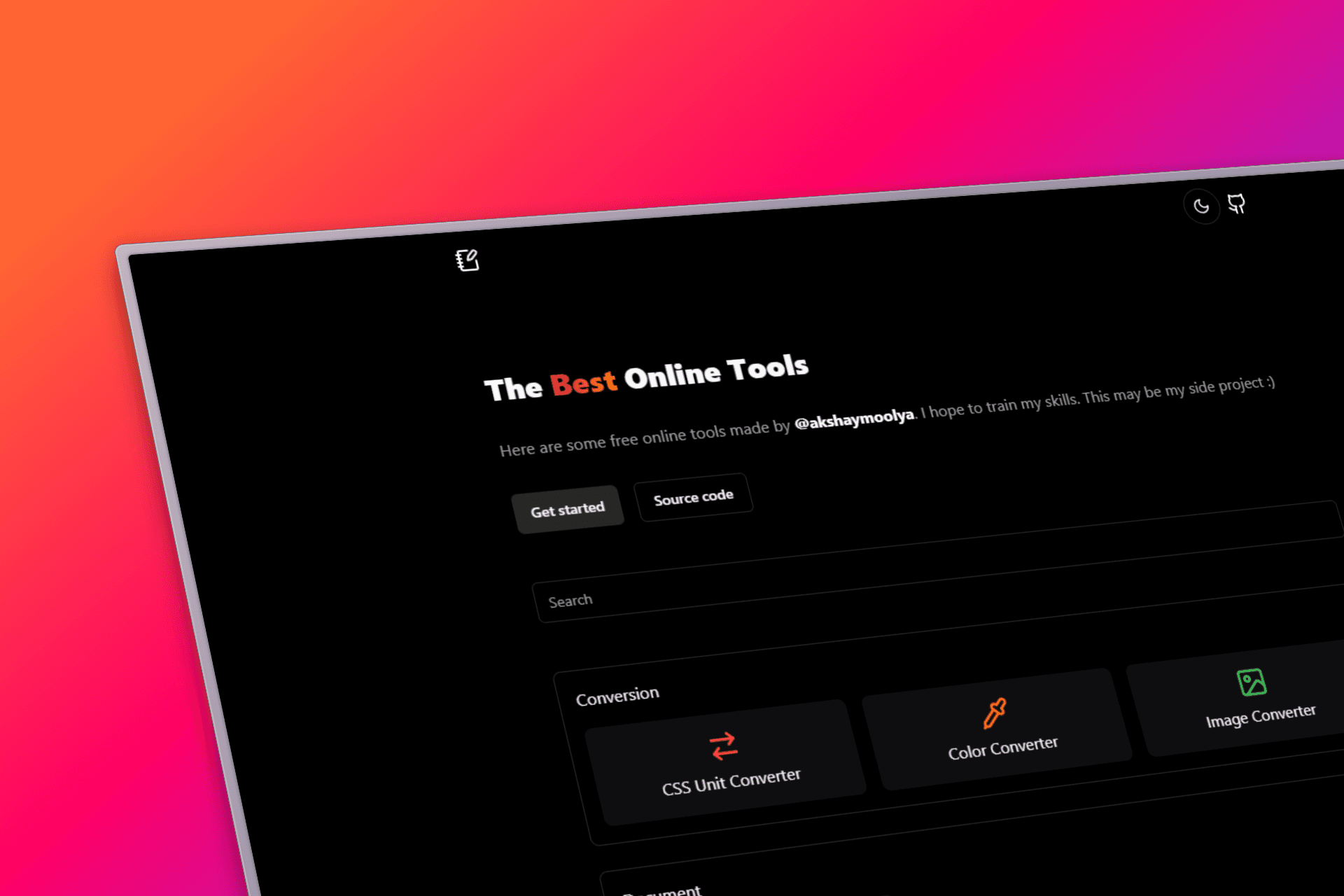
All-in-One Developer Toolkit with comprehensive utilities designed to enhance productivity and efficiency for modern developers.
- Role
- Full Stack Developer
- Timeline
- 2 weeks
- Team
- Solo
- Status
- Shipped
- TypeScript
- Next.js
- Tailwind CSS
- React
- Vercel
The hard parts
- 01Tool integration architecture
- 02Cross-browser compatibility
- 03Performance optimization
- 04User interface design
- 05Tool categorization system
What I learned
- 01Modular architecture design
- 02Tool API integration
- 03User experience optimization
- 04Performance monitoring
- 05Developer workflow understanding
Tools: Your All-in-One Developer Toolkit
Overview
DevTools Hub is a comprehensive collection of essential developer utilities designed to streamline workflows and enhance productivity. This platform brings together powerful tools that make development tasks easier, more efficient, and more enjoyable.
Key Features
- Comprehensive Tool Collection: Wide range of developer utilities in one place
- Intuitive Interface: Clean, user-friendly design for easy navigation
- Real-time Processing: Instant results for all tool operations
- Mobile Responsive: Works seamlessly across all devices
- Modern UI/UX: Beautiful design with smooth interactions
- Fast Performance: Optimized for speed and efficiency
Technical Implementation
Frontend Technologies
- Next.js 14: Modern React framework with App Router
- TypeScript: Type-safe development environment
- Tailwind CSS: Rapid UI development with utility classes
- React Hooks: Modern state management patterns
Performance Features
- Lazy Loading: Tools load on-demand for faster initial page load
- Code Splitting: Automatic splitting for optimal bundle sizes
- Caching: Intelligent caching for frequently used tools
- Progressive Enhancement: Graceful degradation for older browsers
User Experience
- Intuitive Navigation: Easy-to-use categorization system
- Responsive Design: Perfect experience on desktop and mobile
- Dark Mode Support: Comfortable viewing in any lighting condition
- Keyboard Shortcuts: Power user features for efficiency
Tool Categories
Development Tools
- Code formatters and validators
- JSON/XML converters
- Base64 encoding/decoding
- Hash generators (MD5, SHA, etc.)
Web Tools
- URL shorteners and expanders
- Color palette generators
- CSS gradient creators
- Favicon generators
Text Processing
- Text case converters
- Word counters and analyzers
- Lorem ipsum generators
- Regex testers
Development Insights
Building Tools taught me the importance of understanding developer workflows and pain points. Each tool was carefully crafted to solve real-world problems that developers face daily. The modular architecture allows for easy addition of new tools and features.
Future Roadmap
- AI Integration: Smart suggestions and automated workflows
- Tool Customization: Personalized tool collections
- Collaboration Features: Share tool configurations with teams
- Advanced Analytics: Usage tracking and optimization insights
- Plugin System: Allow third-party tool integration